Why do the moves in my Alors on Danse AI video miss the beat?
Updated:
Quick answer
Play the trending sound from its opening second rather than from the chorus, and shorten it so it ends with the clip. Our video follows the most-viewed edit, and all versions we checked share an identical opening six seconds. Some edits differ by a second or two after the pause, so the ending can slip.
What goes wrong
- Sound starts partway in: some apps jump to the catchiest section of a sound.
- A different edit: some cuts of the sound run a second or two longer or shorter once the pause is over.
- Model variation: generated motion sometimes lands a beat a touch early or late.
The remedy
Inside the app, move the sound's start point to 0:00, so the first beatbox coincides with the first finger jab. Should the ending still wander, swap in a different cut of the sound or shift it a few frames either way. The song guide covers timing in detail.
FAQ
What should line up first?
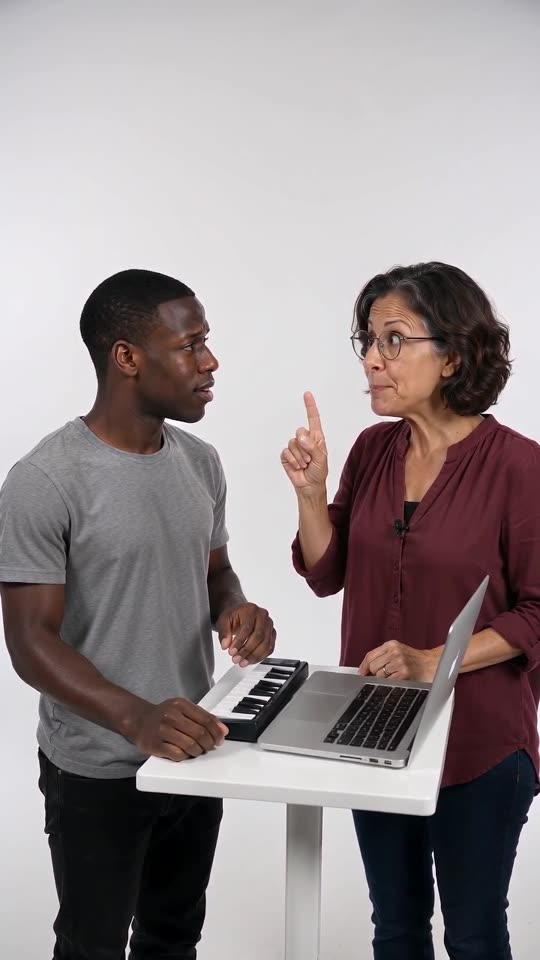
Begin with the beatbox intro: across the first three seconds the Hype partner jabs a finger.
Does the site put the sound on for me?
No. The video carries its own generated audio, and the trending sound is something you add in the app.
Does the short preview follow identical timing?
No. Because the 5-second preview packs the beats tighter, the sound fits only the full video.
Your own Alors on Danse clip
Drop in two photos and get a keyboard studio video of your own. No subscription, no watermark.
Make my video