Should I use a CapCut template or Alors on Danse AI for this trend?
Updated:
Quick answer
CapCut templates re-time footage that you already shot. Tip Toe AI instead invents a 15-second studio scene from two photos. If you have clips, edit them in CapCut; if all you have is two photos, use Tip Toe AI, which starts with a free preview and sells packs from $9.90.
Head to head
- Input: CapCut asks for video you filmed yourself, whereas Tip Toe AI asks for two photos, one for each role.
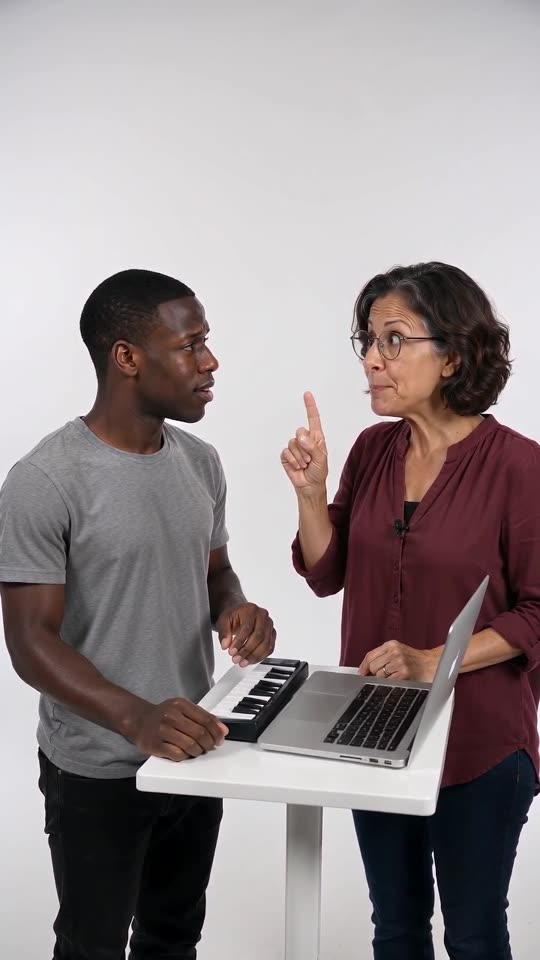
- Output: CapCut returns your own footage cut to the template, whereas Tip Toe AI returns a new 15-second 720p clip with generated motion in a white studio.
- Work: with CapCut, you stage the scene yourselves, keyboard and white wall included. With Tip Toe AI, you upload two photos and wait for the render.
- Money: Free and paid features coexist in CapCut, so read its current plans. Tip Toe AI starts you off with a free preview; each full video then draws 100 credits, and packs start at $9.90.
Deciding between them
If you and a friend can film the scene and you want control over every cut, CapCut is the better fit. If you have only photos, if a pet is in the pair, or if you do not want to build a white studio, Tip Toe AI is easier. Many people also generate here and polish the clip in CapCut afterwards.
FAQ
Does CapCut or TikTok run this generator?
No. Tip Toe AI is independent. CapCut, TikTok and the people behind the trend have no link to it.
Can the two be combined?
Yes. Once you have the MP4, CapCut can trim it, put text on top or blend in the trending sound.
Which option is cheaper?
It hinges on what you own already. Someone who can film the scene and has the app pays almost nothing for a template. Someone with only photos can begin with Tip Toe AI's free preview.
Your own Alors on Danse clip
Drop in two photos and get a keyboard studio video of your own. No subscription, no watermark.
Make my video