Should I use a general AI video tool or Alors on Danse AI?
Updated:
Quick answer
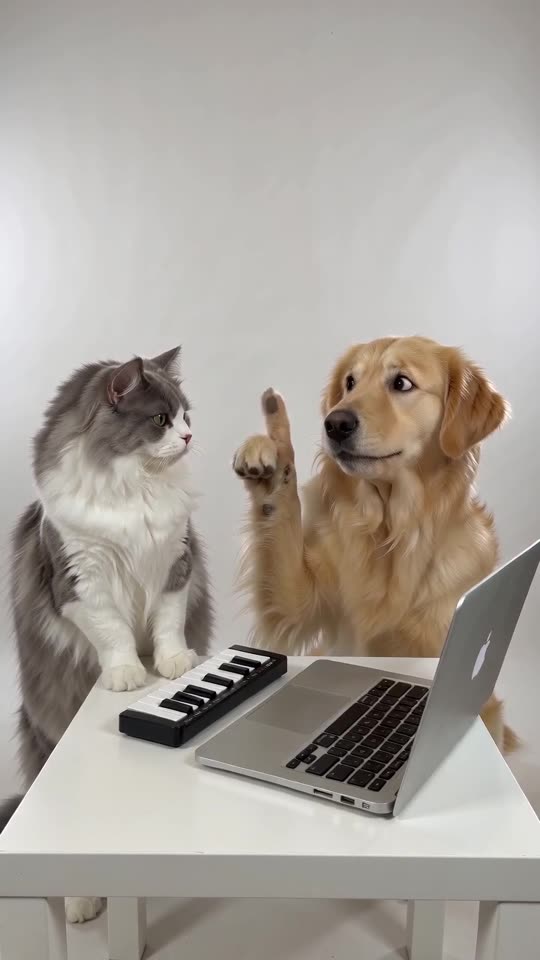
A general AI video tool leaves everything to you: write the prompt, choose settings, retry until it looks right. Tip Toe AI cuts that out. Our keyboard scene is a locked template paced on the viral clip, which means two photos plus one click produce the trend. Reach for a general tool when you have ideas of your own.
Head to head
- Prompts: a general tool wants a written prompt and usually a few retries, while Tip Toe AI wants none.
- Beat matching: a general tool seldom lands on the beat of a trending sound, whereas Tip Toe AI tracks the viral clip second by second.
- Two subjects: in a general tool you have to work to keep two faces separate, but Tip Toe AI gives each role its own slot.
- Price: a general tool bills under its own plans, but Tip Toe AI offers a free preview and packs from $9.90.
Cases where a general tool is the right call
You may want another room, a different instrument or a longer scene. That freedom belongs to a general tool, and our Seedance prompt gives you a place to begin.
FAQ
What generates the videos at Tip Toe AI?
The model is Seedance 2.0 Mini, accessed over an API. The site stands on its own, with no ties to ByteDance.
Is changing the scene possible here?
Only the place can change (white studio, living room or rooftop at dusk). The table, the camera and the beats are locked to keep the clip faithful to the trend and its sound.
Is it better than a general tool in every case?
No. For this one trend it is simply quicker, and its timing fits the sound.
Your own Alors on Danse clip
Drop in two photos and get a keyboard studio video of your own. No subscription, no watermark.
Make my video